 Board Online
 Flowcharts
 Kanban board
 Whiteboard
 Mind maps
 Graph paper
 Sticky notes
 Retro board
 Draw together
Retrospective tools for scrum
Run a sprint retro from one link: anonymous notes, dot voting, a shared timer and action items
Why run your retro here
A retro should take the hour you booked, not the morning before it. Pick the columns, start a session and send the link: the board walks the team through writing, voting and agreeing on what to change.
Built around the sprint
Four stages follow the usual retro: Write, Vote, Discuss, then Done, with the action items and a summary ready for your sprint notes.
Remote by default
Everyone joins from one link, with no account and nothing to install. The timer counts down the same on every screen, so nobody asks how long is left.
Room for honest notes
Tick Send anonymously and the note goes up without your name, so the awkward problems get written down too.
No preparation needed
Choose one of three column formats and start. At the end, copy the summary as text for a chat, Notion or a wiki.
Actions that leave the meeting
Action items get an owner, update live for everyone, and go out as a list to copy, a text file or a checklist sticker on the board.
How the retro tools stack up
| This retro board | EasyRetro | Parabol | TeamRetro | Miro | |
|---|---|---|---|---|---|
| What it costs | Free, with nothing locked | Free plan with 1 public board a month; Team plan €22 a month, billed yearly | Free for 2 teams and 10 meetings a month; Team plan $8 per active user a month | A 30-day free trial, then from US$20.83 per team a month, billed yearly | Free plan with 3 editable boards; Starter €8 per member a month, billed yearly |
| Writing without your name | Send anonymously, note by note | Anonymous feedback | Anonymous reflections, anonymous by default | Anonymity options | Private mode with anonymous notes, on paid plans |
| Voting | 3 dots per person, dragged onto notes | Votes on cards, with a maximum per person | Anonymous voting, with a set number of votes each | Private voting | Voting, on paid plans |
| Ready-made formats | 3 column formats | 100+ predefined templates | 90+ meeting templates | Customizable templates, unlimited | 7,000+ templates |
EasyRetro, Parabol, TeamRetro and Miro, from their own pricing, feature and product pages in November 2026.
Running a retro, stage by stage
- 1
Set the board
Under Choose a template, pick the columns. Type your name and press Start a session.
- 2
Invite the team
Copy the room link from the panel and drop it into your call or chat. Whoever opens it is in.
- 3
Write
Everyone adds notes from the panel, signed or anonymous. A 3 or 5 minute timer keeps the writing short.
- 4
Vote
Switch to Vote: each person gets 3 dots to drag onto the notes that matter most to them.
- 5
Discuss
Topics come up sorted by dots. Talk them through and write the action items, each with an owner.
- 6
Wrap up
In Done, save the board, copy the action items or the whole summary, or start a new retro with the same columns.
Three retro formats
Each format is a set of columns on the board. Switch between them before the session starts, and the notes already up stay where they are.
Went well, went badly, questions, improvements
The default, with four columns: a full look back for a regular sprint retro.
Start, Stop, Continue
Three columns that turn straight into habits to adopt, drop or keep.
Mad, Sad, Glad
Feelings first, for a sprint that was rough or a team that has gone quiet.
A switch is one undo step, so Ctrl+Z (⌘+Z on Mac) brings the previous columns back.
Good to know before you share the link
The link is the key
Anyone with the room link can join and edit, so share it with your team only. The panel shows it to the person who started the session.
Encrypted, then deleted
The board is end-to-end encrypted in your browser, so our server holds only data it can’t read. It deletes the room 30 days after its last change.
One person runs it
Whoever started the session sets the stage and the timer and writes the action items; the rest write, vote and watch. The board’s own drawing tools stay open to everyone, so agree on the ground rules.
What anonymous covers
Send anonymously hides your name on that note only. In a session, your cursor still shows your name while it moves.
Leaving and rejoining
Leave session disconnects only you, and the retro goes on for the others. Open the room link again to come back to it as it is.
A new tab starts fresh
The board lives in its tab: a reload keeps it, a new tab or visit starts a clean retro. Save a file or copy the summary in Done to keep it.
What teams ask before their first retro
Do participants need an account?
No. They open the room link in a browser and can type their name in the panel. Until they do, the board gives them a random two-word name.
How many dots does each person get?
Three. Add a dot from the panel and drag it onto a note; delete it and you get it back. Once all three are out, the button waits until you take one back.
Can I run a retro on my own?
Yes. Without a session you run the board yourself: every stage, the timer and the action items work, which suits a personal look back at your week.
Does the timer make a sound?
No. When it reaches zero, Time is up pulses on everyone’s screen.
How do I get the action items into Jira or our chat?
In Done, copy the list as plain text or download it as a text file, then paste it wherever your team tracks work.
Can we change the columns halfway through?
The format is chosen before the session starts, so everyone writes into the same columns. Notes already on the board stay put if you switch before starting.
What happens to our retro afterwards?
The room is kept, encrypted, for 30 days after its last change, then deleted. To keep the board, save it as a file or an image in Done.
Start this sprint’s retro
Pick the columns in the panel above and send the link to your team.
For the work after the retro
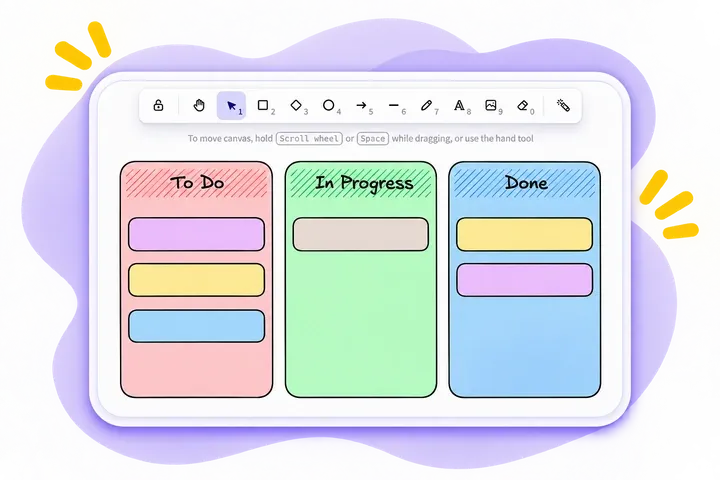

Kanban board
To Do, Doing and Done columns with sticky notes that you move along as the work goes.
Open the board
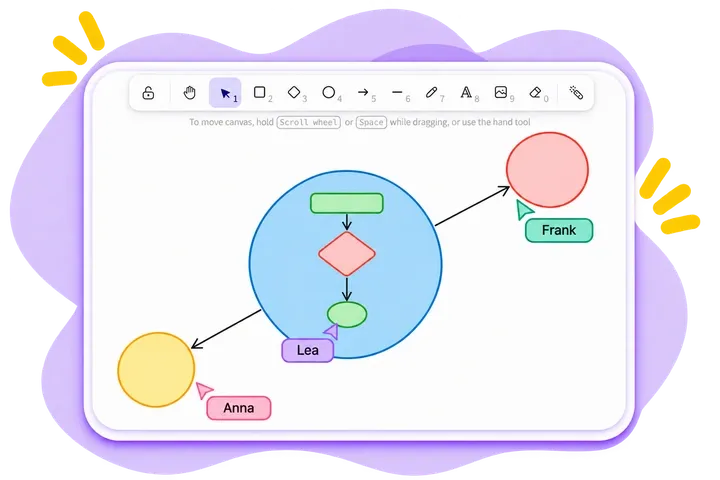

Collaborative whiteboard
Send a link and draw on the same board in real time. The drawing is encrypted end to end.
Open the board

