 Board Online
 Flowcharts
 Kanban board
 Whiteboard
 Mind maps
 Graph paper
 Sticky notes
 Retro board
 Draw together
Free kanban board
Plan your work in columns with sticky notes you drag from To Do to Done
Why plan on this kanban board
Some plans don’t need a project tool. They need a few columns and a stack of sticky notes, and this board gives you both the moment the page loads.
Columns already drawn
To Do, Doing and Done are on the board when you arrive, stretched to its width. Two more layouts add a backlog and a review step.
Notes you write first
Type the task in the panel, pick a color and a shape, then drag the sticker into a column. On a small screen, Add to board drops it in view.
Moves like paper
Grab a sticker and slide it to the next column. Resize it, recolor it or edit its words in place, like any shape on the board.
Room around the columns
The rest of the board stays open: jot a goal above To Do, sketch a quick diagram, or circle the task that is stuck.
Kept on your device
The board lives in this browser, and Your boards in the panel holds your recent ones. A .boardonline file carries a board to another computer.
Compared with Trello, Jira and Miro
| This kanban board | Trello | Jira | Miro | |
|---|---|---|---|---|
| Account before your first card | None | Sign-up | Sign-up with Atlassian | Sign-up with a work email |
| What the free plan allows | Everything: there is no paid plan | Up to 10 collaborators and 10 boards per Workspace | Up to 10 users, 2 GB of storage | 3 editable boards |
| Where the board is kept | In your browser | Trello’s cloud, its only option | Atlassian’s cloud or your own servers | Held by Miro, encrypted at rest |
| Tasks assigned to people | No | Yes, with due dates | Yes | Yes, with due dates |
From the Trello, Jira and Miro websites, November 2026. Here nothing is tracked on purpose: no owners, dates or notifications, just the plan in front of you.
Getting your board going
- 1
Choose your columns
Under Columns in the panel, keep To Do, Doing, Done, or switch to the layout with a backlog, or with a backlog and review.
- 2
Write a sticker
Type the task under Note, pick its color and shape, and drag the preview onto a column. The Add to board button works too.
- 3
Move work along
Drag a sticker to the next column as the task moves forward. Double-click it to change the words.
- 4
Save the state of play
Export a PNG to post in a chat, or save a .boardonline file and open it again later from the menu.
Three column layouts and when to use them
Pick the layout that matches how your work really moves. Switching later is safe: only the columns change, and your stickers stay where they are.
To Do, Doing, Done
The classic three. Enough for personal tasks, chores or a short project.
With a backlog
Adds Backlog on the left, a parking spot for ideas you aren’t ready to start, so To Do stays short.
With a backlog and review
Adds Review before Done, for work that someone checks before it counts as finished.
A switch is one step to undo: Ctrl or Cmd and Z puts the old columns back.
Kanban board questions
Is the kanban board really free?
Yes. There is no plan, no trial and no account; the board above is all there is.
How do I rename a column or add one?
Columns are locked so you don’t drag them by accident. Right-click an empty spot on the board and choose Unlock all, then double-click a title to rename it, or draw a new column with the line and text tools. For a fourth or fifth column, the layouts with a backlog or review are quicker.
Can my team use this board with me?
Not live: only you see this board. To plan together in real time, open the collaborative whiteboard and share its room link. Or export a PNG and post it where your team talks.
What happens to my board when I close the tab?
It stays saved in this browser and is there next time. It goes only if you clear the browser’s site data, so keep a .boardonline file of plans that matter.
Can I keep more than one kanban board?
Yes. New board in the panel starts a fresh one with its columns, and Your boards lists your recent boards to switch between. Pin the ones you use most.
Can I add due dates or assign a task to someone?
Only as words on the sticker, like “Ann, by Friday”. The board has no fields, reminders or notifications.
Does it work on a phone?
Yes. Tap Tools at the top right of the board for the columns and stickers; Add to board puts a new sticker where you can see it.
Put your next task on a sticker
Your columns are at the top of this page.
Boards that go well with kanban

Retro board
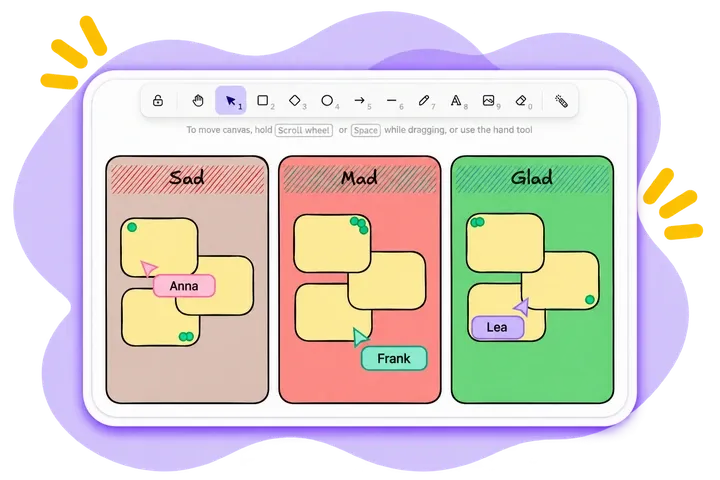
Write notes in columns, vote with dots and agree on action items, with a timer for each step.
Open the board

Collaborative whiteboard
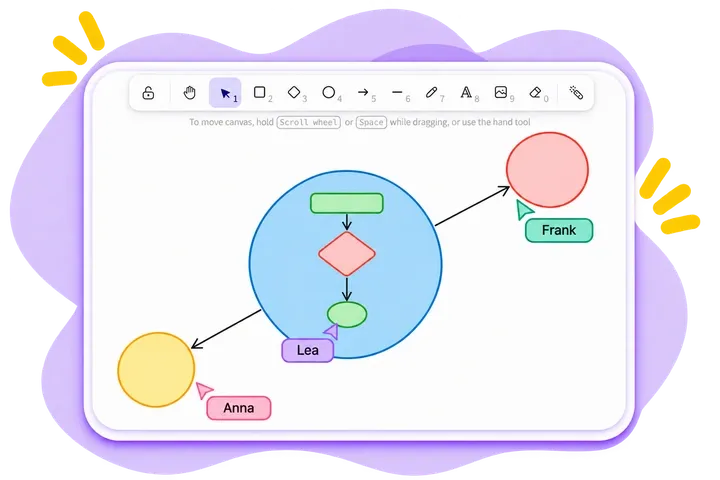
Send a link and draw on the same board in real time. The drawing is encrypted end to end.
Open the board

Sticky notes
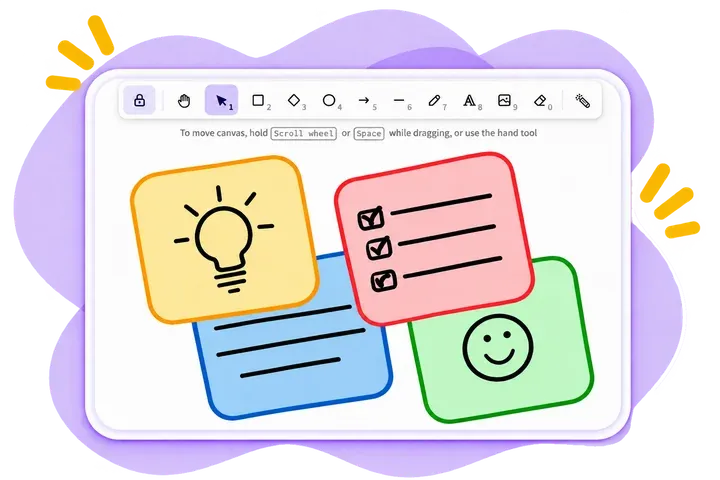
Colored notes with text, a link, a picture, a checklist or an emoji, placed anywhere on the board.
Open the board


