 Board Online
 Flowcharts
 Kanban board
 Whiteboard
 Mind maps
 Graph paper
 Sticky notes
 Retro board
 Draw together
Drawing tools
A blank whiteboard with a pen, shapes, text and a laser pointer, ready to draw on in your browser
Why use this whiteboard
It is a clean sheet with every drawing tool within reach, open the moment the page loads. Sketch something for yourself, or share your screen and explain.
Made for explaining
Share your screen and draw as you talk. The laser pointer (K) leaves a short trail that fades, so you can point without marking the board.
A pen that feels like one
Press P and draw freehand in any color and width. With a stylus the line follows your pressure, and pen mode stops your palm from drawing.
An endless sheet
The canvas has no edges. Spread ideas out, zoom in on a corner, and move around with the hand tool (H).
Shapes, text and pictures
Boxes, circles, arrows and lines join up into rough diagrams, and you can drop in a photo or paste a screenshot.
Room to present
Alt+Z hides the toolbars for a clean view, and Alt+R makes the board read-only while you walk people through it.
Side by side with other whiteboards
| This drawing tool | Miro | FigJam | Microsoft Whiteboard | Excalidraw | |
|---|---|---|---|---|---|
| What you need before drawing | Nothing | A sign-up with a work email | A Figma account; guests get 24 hours without one | A Microsoft sign-in | Nothing |
| Templates to start from | None: it is a blank board | 7,000+ | 300+ | Customizable templates | Shape libraries |
| Drawing with others live | Not on this board | Yes | Yes, with audio and chat | Yes, in Teams meetings | Yes |
Miro, FigJam, Microsoft Whiteboard and Excalidraw as their own websites describe them in November 2026. This board runs on Excalidraw, the open-source editor.
From blank page to finished sketch
- 1
Pick a tool
Click the board first, then use the toolbar or a key: P for the pen, R for a box, A for an arrow, T for text.
- 2
Draw and arrange
Drag to draw. Select anything to move it or change its color in the panel on the left; the eraser (E) wipes strokes away.
- 3
Show it to people
Share your screen in your call app and point with the laser (K). Alt+Z clears the toolbars away.
- 4
Keep a copy
The drawing saves itself in this browser. For a file to send, Export image gives a PNG or SVG, and Save to… writes a .boardonline file.
Whiteboard questions, answered
Can I draw with a stylus or on a tablet?
Yes. The pen follows the pressure of a stylus, and when the board notices one it turns on pen mode, so a finger or a resting palm doesn’t draw.
How do I point at something during a call?
Press K for the laser pointer. Its trail fades after a moment and leaves nothing on the board, which is handy while you share your screen.
How do I add a picture?
Press 9 or pick the image tool, or drop a file or paste a screenshot onto the board. Pictures are kept in this browser along with the drawing.
Is there a dark background?
Yes. Open the menu, go to Preferences and pick the moon next to Theme, or the screen icon to follow your system. The choice applies to every board on this site.
How do I make sure I don’t lose a drawing?
It is saved in this browser as you go, but clearing site data or closing a private window can remove it. Save to… keeps a .boardonline file you can open again from the menu.
Can I keep several drawings at once?
Yes. The panel next to the board lists your recent drawings under Your boards; New board starts another and keeps the current one on the list.
Can several people draw on it at the same time?
Not this board, which stays private to your browser. The collaborative whiteboard gives you a room link to share for drawing together live.
Grab the pen
The whiteboard is waiting at the top of this page.
Keep exploring
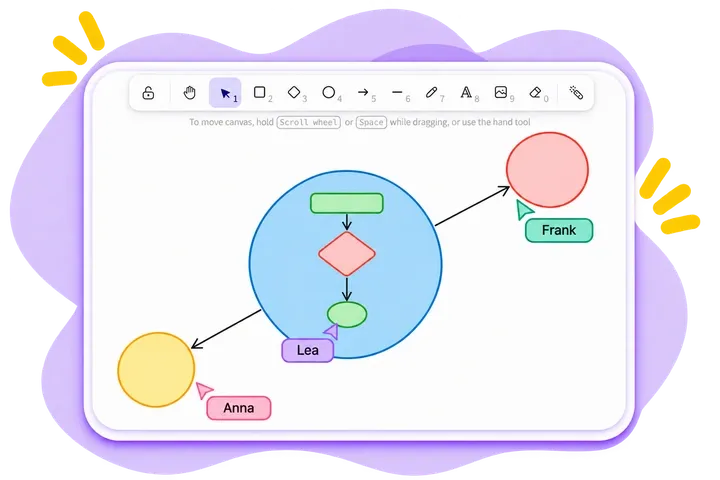

Collaborative whiteboard
Send a link and draw on the same board in real time. The drawing is encrypted end to end.
Open the board
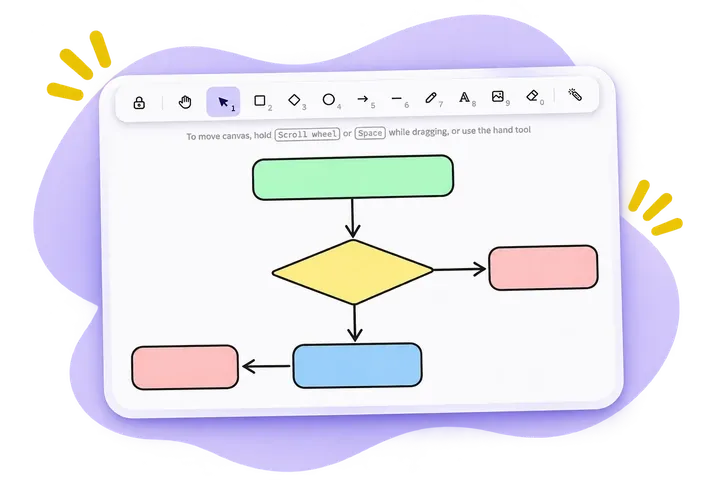

Diagrams and flowcharts
Start from a flowchart, an org chart, a timeline or a Venn diagram and change it to fit your process.
Open the board
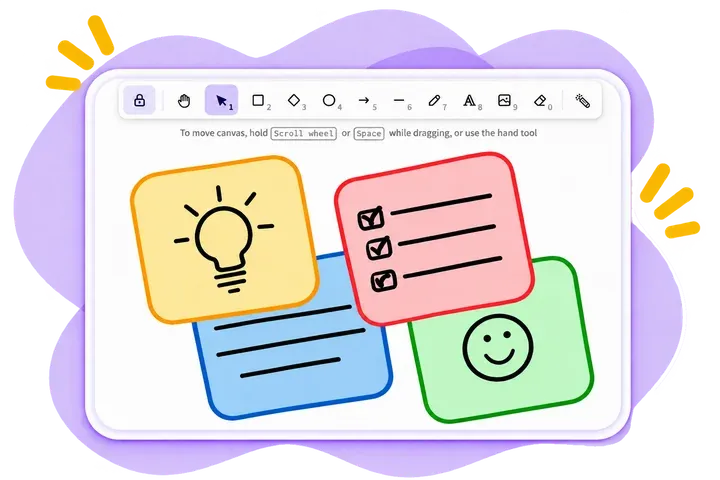

Sticky notes
Colored notes with text, a link, a picture, a checklist or an emoji, placed anywhere on the board.
Open the board


