 Board Online
 Flowcharts
 Kanban board
 Whiteboard
 Mind maps
 Graph paper
 Sticky notes
 Retro board
 Draw together
Graph paper online
Squared, dotted or dashed paper in your browser, with shapes that snap to the grid
Why draw on this graph paper
Some drawings need lines to follow. This board puts a grid under everything you draw and lines your shapes up with it, so a rough idea comes out neat.
Math on squares
Sketch a coordinate plane, plot points by hand or draw a triangle for homework, and share your screen to walk a class through it. There are no formulas: you draw what you mean.
Plans that keep their proportions
With 20 px cells and a heavier line every 10, a room, a garden bed or a seating plan stays in proportion, and walls snap to the lines.
Tidy diagrams and layouts
Boxes snap into rows with even gaps, and new rectangles can have sharp or round corners, handy for a wireframe or a neat block diagram.
Pick your paper
Lines, dots or dashes; cells of 10, 20 or 40 px; a heavier line every 5 or 10 cells, or none at all.
A sheet to share
Export image keeps the grid in the PNG or SVG, so the picture looks like the page you drew on.
Grid tools at a glance
| This graph paper | GeoGebra | Desmos | Printable Paper | Excalidraw | |
|---|---|---|---|---|---|
| What you get | A drawing board on squared paper | Calculators and geometry tools | A graphing calculator | 3,343 sheets to print | A whiteboard with a plain grid you can switch on |
| Price | Free | Free tools | Free | Free to download and print | Free |
| Before you begin | Nothing | Nothing to try it; a free account to save | Nothing to graph; a sign-up to save | Nothing: download and print | Nothing |
| Equations and plotted graphs | No formulas | Yes | Yes | No, it is paper | No |
GeoGebra, Desmos and Printable Paper as their own pages present them, and Excalidraw from its app and source code, November 2026.
Setting up your sheet
- 1
Choose the paper
Under Grid settings in the panel, pick Lines, Dots or Dashed, a cell size, and how often a heavier line appears.
- 2
Draw on the lines
With Snap to grid on, corners and ends land on the grid. Hold Ctrl (⌘ on Mac) to place a shape freely.
- 3
Set the corners
Under New shapes, choose sharp or round corners for the next rectangles and diamonds.
- 4
Take the page with you
Export image with Grid in exported images on, and the PNG or SVG shows the squares behind your drawing.
Graph paper questions
Can I change the size of the squares?
Yes: 10, 20 or 40 px under Cell size, and a heavier line every 5 or 10 cells, or none, under Heavier line.
How do I stop a shape from snapping?
Hold Ctrl (⌘ on Mac) while you draw or move it, or switch Snap to grid off and keep the grid only as a guide.
Can I print the graph paper?
You can export an image with the grid and print that. The export covers your drawing plus a margin, not a fixed page size such as A4.
Does it do formulas or plot equations?
No. It is paper for drawing by hand: draw the axes and curves yourself, and add labels with the text tool.
Can I hide the grid for a moment?
Yes. Untick Show the grid in the panel, or press Ctrl and the apostrophe key (⌘ and the apostrophe on Mac).
Are my grid settings kept?
Yes. They are saved with the board in this browser and in any .boardonline file you save, so the paper looks the same when you come back.
Can I use it on a phone?
Yes. Tap Grid at the top right of the board for the settings; snapping works with touch as well.
Open a clean sheet
The graph paper is ready at the top of this page.
Other boards for drawing and thinking
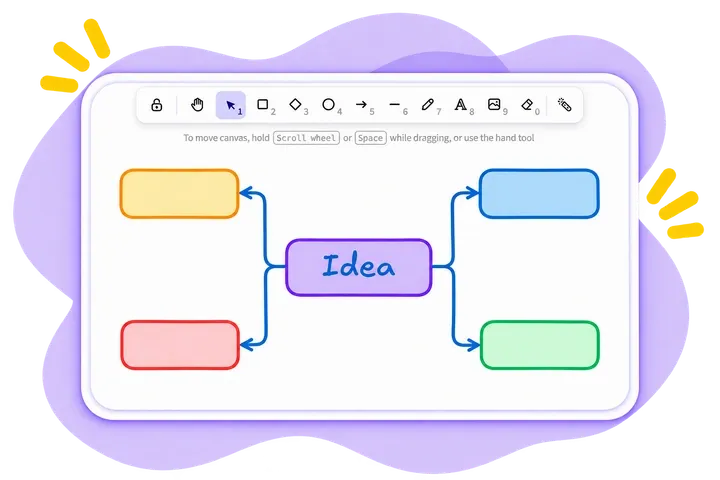

Mind maps and concept maps
Put the main idea in the middle and add branches around it, or link concepts with arrows.
Open the board
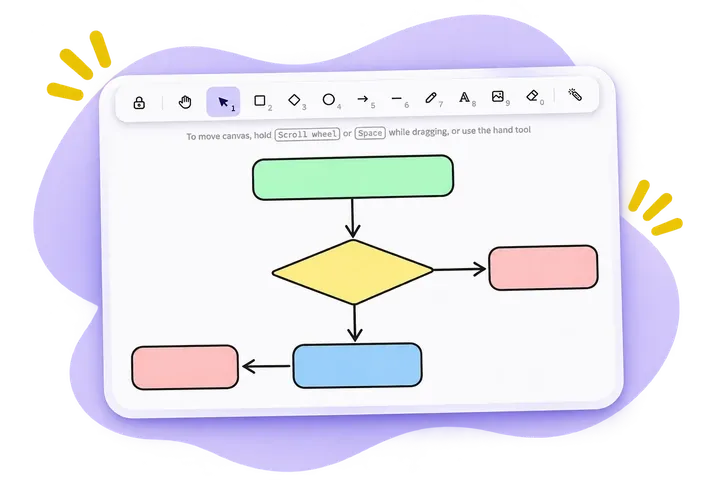

Diagrams and flowcharts
Start from a flowchart, an org chart, a timeline or a Venn diagram and change it to fit your process.
Open the board
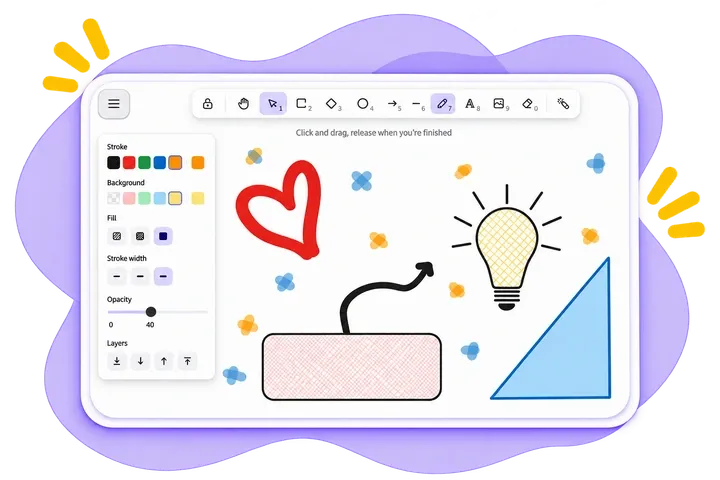

Online whiteboard
An empty canvas with a pen, shapes, arrows and text, for anything that doesn’t fit a template.
Open the board


