 Board Online
 Flowcharts
 Kanban board
 Whiteboard
 Mind maps
 Graph paper
 Sticky notes
 Retro board
 Draw together
Online flowchart maker
Draw a flowchart or a diagram by hand or from a template, right in your browser
Why make your flowchart here
The board above is ready. There is nothing to install and no account to create, so you can start the moment you have the idea.
Nothing to set up
Open the page and draw. Your flowchart is saved in this browser as you work, so it is still here when you come back.
Looks like a sketch
Shapes and arrows look hand-drawn, which suits a draft you will still change. For a cleaner look, set Sloppiness to Architect and pick a plain font.
Twelve templates
Five flowcharts and seven diagrams sit in the panel next to the board. Each goes on the board in one click, and every word and box can be changed.
Arrows that stay connected
Draw an arrow from one shape to another and it holds on to both. Move a box and its arrows follow, so tidying the layout never breaks the flow.
Your files, your copies
Boards stay in your browser, not on our server. Save one as a .boardonline file, or export a PNG or SVG for a document or a slide.
How it compares
| This flowchart maker | draw.io | Lucidchart | Miro | |
|---|---|---|---|---|
| Account before the first shape | None | Not needed | Free sign-up | Sign-up with a work email |
| Free use | Free, with no plan to choose | Free | Free plan: 3 editable documents, 75 shapes in each | Free plan: 3 editable boards |
| Ready-made templates | 12 flowcharts and diagrams | Included | 100 on the free plan | 7,000+ |
| Drawing together in real time | Not on this board | Yes | Yes | Yes |
Facts about draw.io, Lucidchart and Miro come from their own websites, checked in November 2026.
How it works
- 1
Pick a starting point
Click a template in the panel, or start from scratch with the rectangle (R), the diamond (D) and the ellipse (O) in the toolbar above the board.
- 2
Write in the shapes
Double-click a shape and type. Press Escape when you are done.
- 3
Connect the steps
Choose the arrow (A) and drag from one shape to the next. With a shape selected, Ctrl or Cmd and an arrow key add the next step in that direction, already connected.
- 4
Keep it or share it
Save the board as a .boardonline file from the menu, or export a PNG or SVG. Your last boards stay in the panel under Your boards, and New board starts a fresh one.
What the templates give you
They save you the minutes in front of a blank page. Each one shows a common shape of a process, with sample words you replace with your own.
Flowcharts
- Simple process
- Start, three steps, end. For a procedure that runs straight through.
- Yes / no decision
- A question that splits the flow in two, for approvals, checks and any if-then.
- Loop until done
- A step that repeats until a check passes, like review and fix.
- Swimlanes
- Two lanes that show who does which step, for handoffs between people or teams.
- Sign-in flow
- Log in, sign up or reset a password: a worked example to adapt for any app.
Diagrams
- Org chart
- A head, three teams and their people.
- Timeline
- Five milestones along a line, for a plan or a project history.
- Venn diagrams with 2, 3 and 4 sets
- Circles and ellipses with every overlap marked, to compare options or groups.
- Cycle
- Four stages that repeat, for routines and feedback loops.
- Client, server, database
- How a web app talks to its data, for a first sketch of a system.
If the board already has a drawing, you choose: replace it (save a copy first if you like, and Undo brings it back) or add the template next to it.
Questions about the flowchart maker
Is it free, and do I need an account?
It is free, and there is no account. Open the page and draw.
Where is my flowchart saved?
In this browser, on your device. We don’t receive it. Clearing your browser’s site data deletes it, so save a .boardonline file of anything you want to keep.
Can I download my flowchart as an image?
Yes. Open the menu and choose Export image to save a PNG or an SVG, or copy it to the clipboard as a PNG.
Can I draw a flowchart together with someone?
Not on this board. The collaborative whiteboard lets you share a room link and draw with others in real time, end-to-end encrypted.
Can it look clean instead of hand-drawn?
Yes. Select the shapes, set Sloppiness to Architect and choose a plain font. New shapes keep the style you set last.
Does it open .excalidraw files?
Yes. Open the menu and choose Open: .boardonline and .excalidraw files both work, since they hold the same drawing data.
Does it work on a phone or a tablet?
Yes, with touch. On a small screen the templates open from the Templates button at the top right of the board.
Start your flowchart
The board is at the top of this page, with the templates beside it.
See also
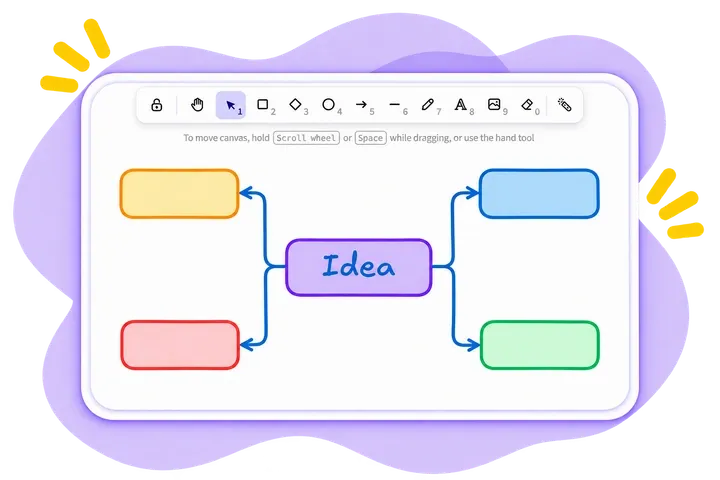

Mind maps and concept maps
Put the main idea in the middle and add branches around it, or link concepts with arrows.
Open the board
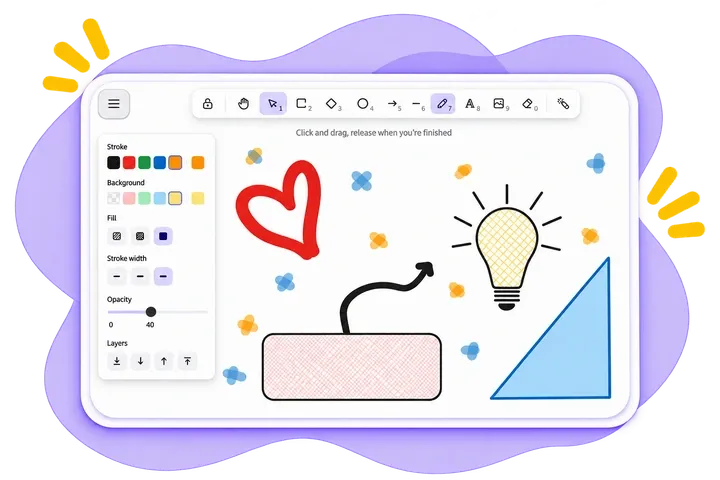

Online whiteboard
An empty canvas with a pen, shapes, arrows and text, for anything that doesn’t fit a template.
Open the board
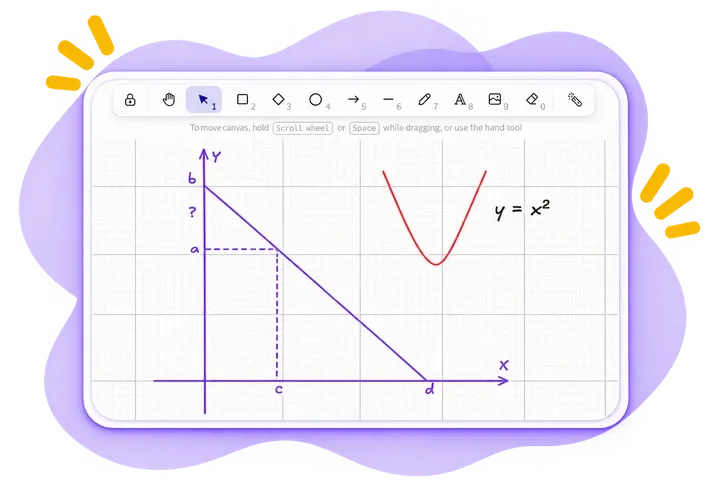

Grid and graph paper
Lined, dotted or dashed paper with shapes that snap to it, for math homework or a neat diagram.
Open the board


